



Spinogambino Login
The Spinogambino login form is your gateway to the player account, where you get access to the full range of our casino features. Once you sign in, you can try out games from our collection for real, instead of demo mode, as well as claim bonuses and manage your profile. Among other registration benefits, new users also receive a generous welcome bonus.



Spinogambino Registration
Our platform only accepts adult users, so if you’re younger than 18 years, registration at Spinogambino Casino is not an option for you. We check the personal information of our players after you sign up as part of KYC policies, so if you try to lie about your age, we will ban the account immediately.
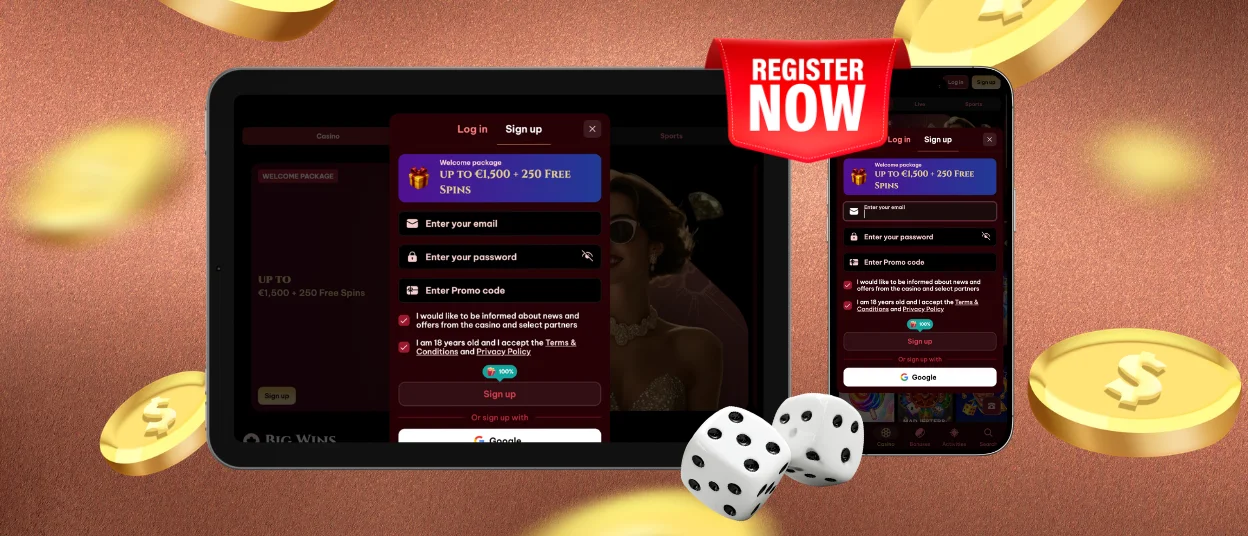
To create an account on our platform, you only need a valid email and a solid password of at least 6 symbols. Tap the “Sign up” button in the top right corner to open the form and fill it in to complete the registration. The whole process won’t take longer than 5 minutes. We also recommend that you read our Terms & Conditions before that so you can know what we have to offer and what rules we have on the Spino Gambino platform.
Sign-Up Bonuses
We greet new members of Spinogambino Casino with a welcome bonus of up to €1,500 + 250 free spins. You can use it to try as many games on our platform as you like. To make your onboarding more fun, we also prepared special tasks that will help you better understand our platform and earn coins to buy benefits at our in-site store. Daily missions at Spinogambino Casino will become a regular activity after that. You can participate in newcomer tournaments like the Daily Bronze Tournament or Rookie Rumble Tournaments as well.
Aside from this, after registration, you will be able to:
- Create a list of your favorite titles.
- Make deposits and cash out the winnings.
- Activate and use Spinogambino Casino bonuses.
- Change the information in your profile and manage the settings.
- Check your casino and log history.
- Set healthy limits to your gaming sessions, etc.
As we mentioned, registration at Spinagambino Casino will give you access to the full functionality of our platform. If you ever have any questions about our online casino, signing up, or other processes, feel free to contact our multilingual support team via live chat.
Spino Gambino Account Login
To log in to our platform, you can follow the next steps:
- Visit our official website.
- Click the “Log in” button that’s near the “Sign up” in the top right corner.
- Enter your credentials into the Spinogambino login form.
- Tap “Login” to access your account.
When you authorize, your interface will slightly change and you will see your current balance and profile icon instead of the “Log in” and “Sign up” buttons. The account is easy to navigate and you can also enable 2FA to add an extra security measure.
Mobile App Login
Players can also fill in the Spino Gambino login form in our application and authorize on mobile. This is exactly the same as logging in to the website from a computer. Here you can manage your account, make deposits, withdraw winnings, and play popular slots and other titles from our 6,000-game library. All the information is synchronized between your devices when you complete the Spinogambino login procedure, so the changes you make when you use the app will also be seen in the web version.
Spinogambino Verification
Spino Gambino Casino complies with KYC principles, so we ask all our players to confirm their identities to prevent financial crimes and money laundering. For this, you will need to pass the verification process by providing us with your personal documents to prove information like your full name, age, residential address, and payment method that’s mentioned in your profile. You must do this before making the first money withdrawal from your Spinogambino account. Here are the documents you need to provide for the verification.
| Type | Example | Requirements |
| Identity document | Passport, ID card, driver’s license | Valid and unexpired, with all information clearly visible |
| Proof of address | Utility bill, bank statement, tax letter | Must show your full name, address and not older than 6 months |
| Payment method ownership confirmation | Photo of the bank card, bank statement, screenshot of e-wallet account | You should blur the card number except the first several and the last 4 digits; the owner’s name and expiry date must also be visible |
FAQ
Can I register at Spinogambino using Google or Facebook?
Players can sign up with a Google account or create a separate profile at Spinogambino Casino. But it is not possible to register using a Facebook profile.
How do I reset my Spino Gambino password?
To restore the password, you need to click on the “Forgot password?” button in the Spinogambino login form. It will open another form where you will need to enter your email to get a reset link. After that, check your inbox and follow the instructions in the letter.
My documents for the verification process at Spinogambino Casino were declined – what should I do?
If your documents were turned down, you will get an email explaining why and giving you more steps to take to pass the verification process. Usually, this happens for a number of reasons, such as the documents not matching the information in your profile or you sending in copies that are damaged, illegible, or impossible to read. You can always get more information about the verification requirements from our support team.


